

# MySQL 白名单 Velocity
这是一个用于使用 MySQL 作为后端存储管理 Minecraft 白名单的 Velocity 插件。
## 安装
1. 从 [modrinth](https://modrinth.com/plugin/mysqlwhitelistvelocity/versions) 或 [github releases](https://github.com/moesnow/MySQLWhitelistVelocity/releases) 页面下载最新的发布版。
2. 将 JAR 文件放在您的 Velocity 代理的 `plugins` 目录中。
3. 启动代理。
## 配置
该插件使用配置文件 (`config.properties`),位于 `plugins/mysqlwhitelistvelocity` 目录中。
### 默认配置
```properties
# 白名单状态
enabled: false
# MySQL 设置
host: localhost
user: root
password: example
database: minecraft
port: 3306
table: mysql_whitelist
# 踢出消息
message: Sorry, you are not in the whitelist.
```
### 配置选项
- `enabled`: 设置为 `true` 以启用白名单。
- `host`, `user`, `password`, `database`, `port`, `table`: MySQL 数据库连接详细信息。
- `message`: 显示给不在白名单上的玩家的踢出消息。
## 指令
- `/mywl add <玩家>`: 将玩家添加到白名单。
- `/mywl del <玩家>`: 从白名单中移除玩家。
## 权限
- `mysqlwhitelist`: 必须使用白名单管理指令。
## 使用方法
1. 在 `config.properties` 文件中配置 MySQL 连接详细信息。
2. 启动代理。
3. 使用 `/mywl` 命令管理白名单。
## 问题与贡献
如果您遇到任何问题或有改进建议,请在 [GitHub 仓库](https://github.com/moesnow/MySQLWhitelistVelocity) 上打开一个问题或提交一个拉取请求。
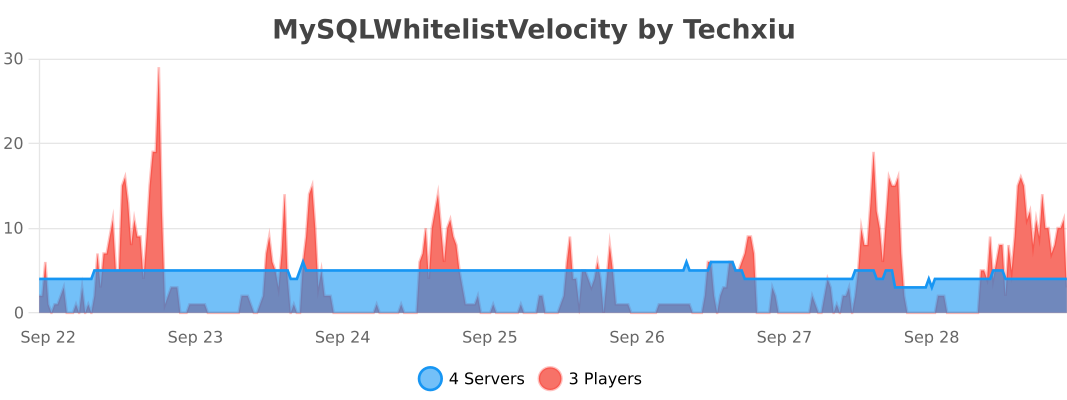
## bStats
[](https://bstats.org/plugin/velocity/MySQLWhitelistVelocity/20846)